How to set up the camera.
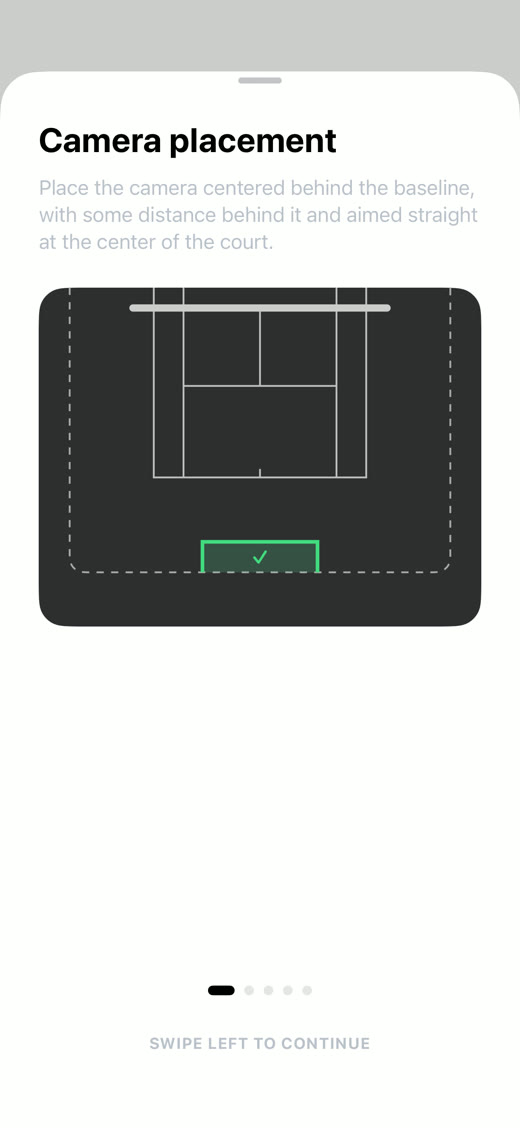
Centered behind the baseline.
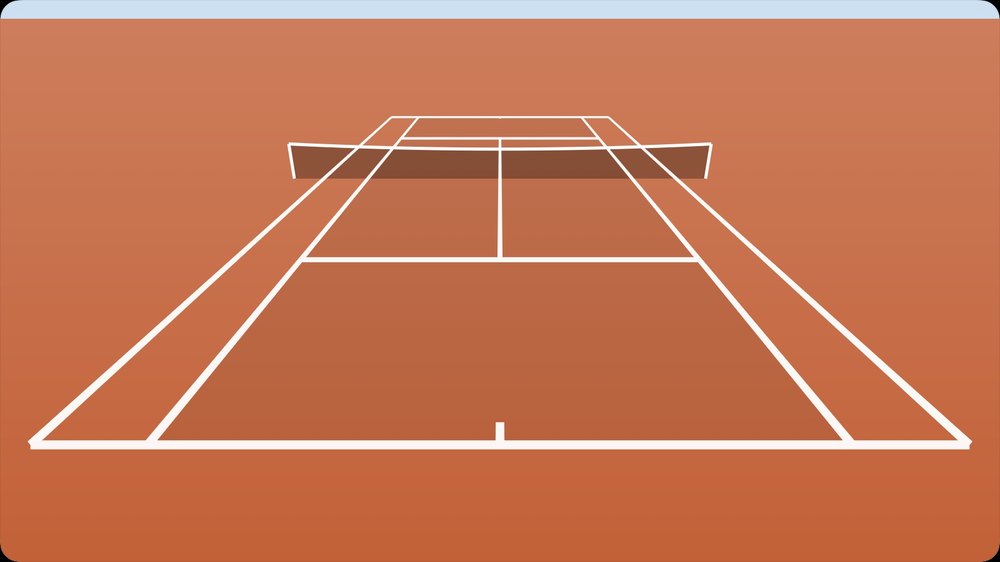
Place the camera centered behind the baseline, a little back from it, aimed straight at the middle of the court.
2.5 to 4 meters high.
Slightly above net height and tilted down toward the middle of the court, for example on a fence mount. With a regular tripod at 1.5 m the cut works just as well, only the ball marks get less precise.
For example this mount by Functional Tennis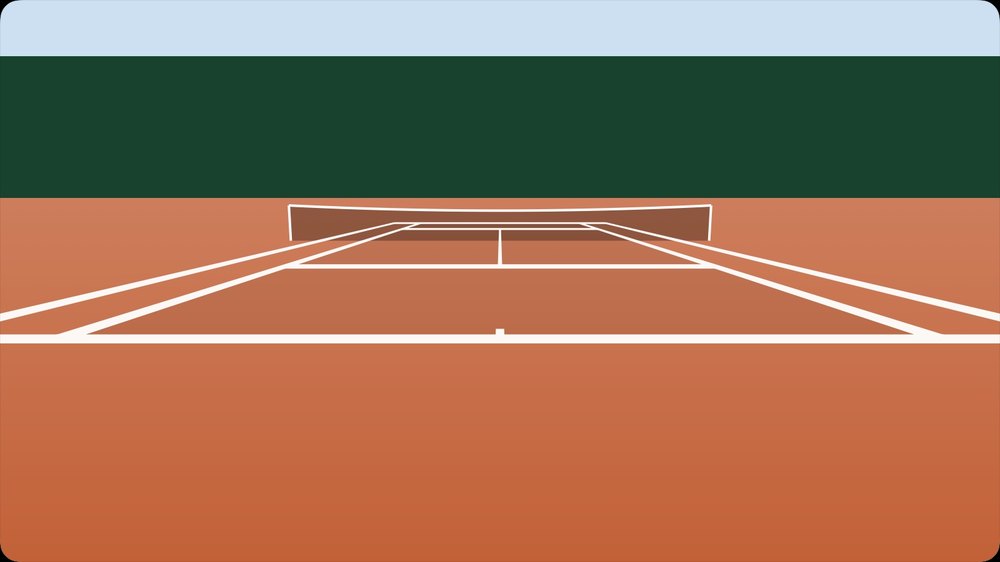
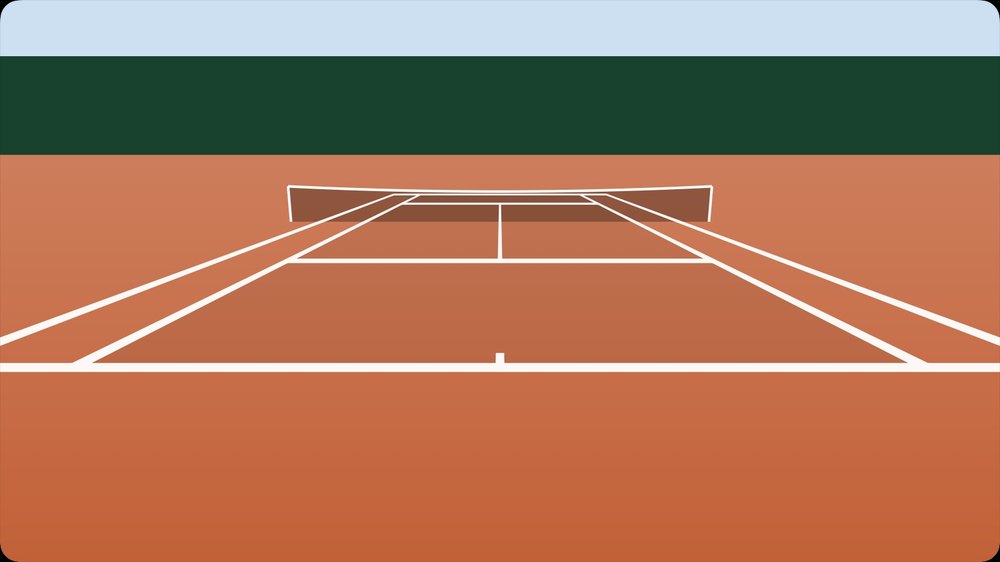
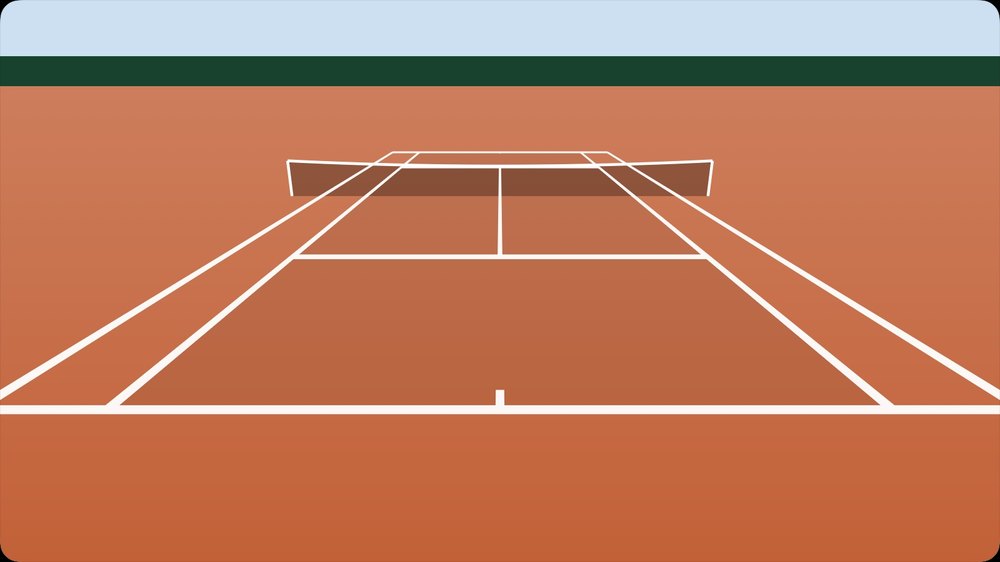
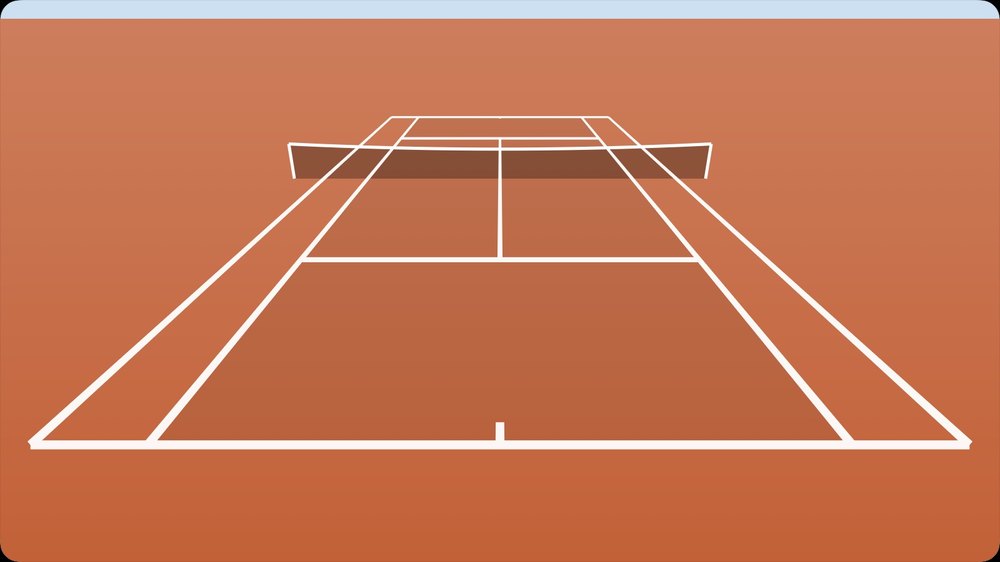
The whole court in frame.
Zoom so the court fits with all lines and a little margin, not too close and not too far.
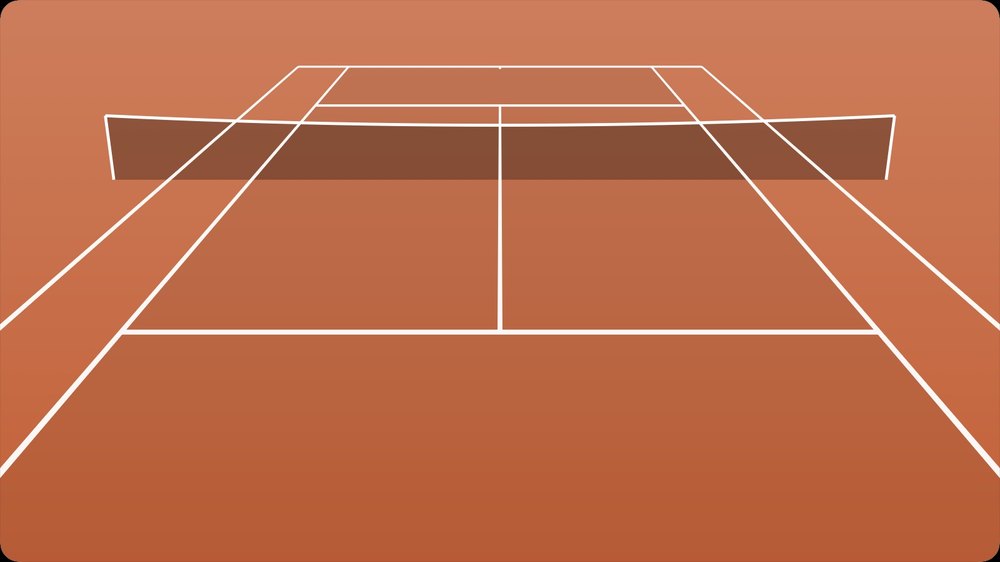
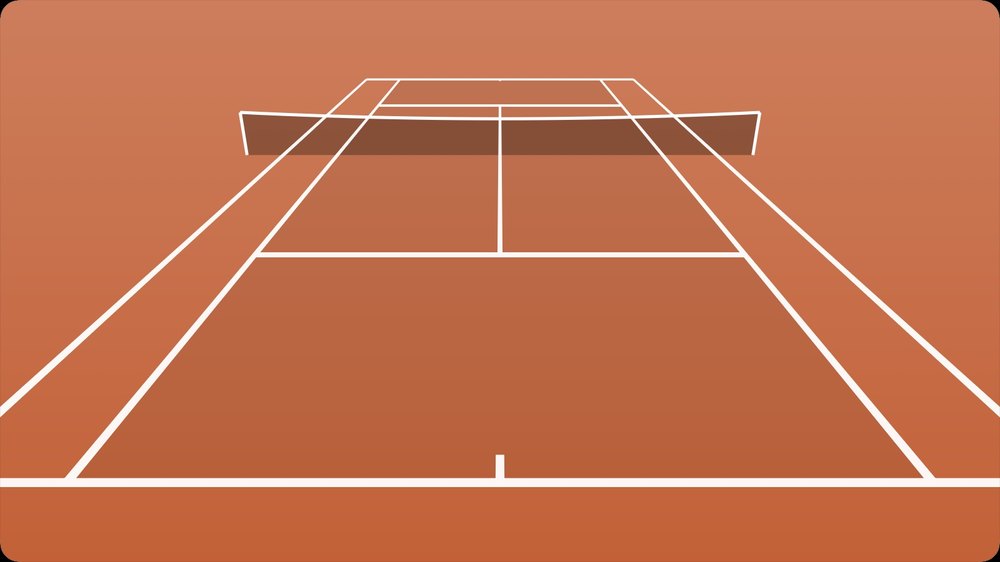
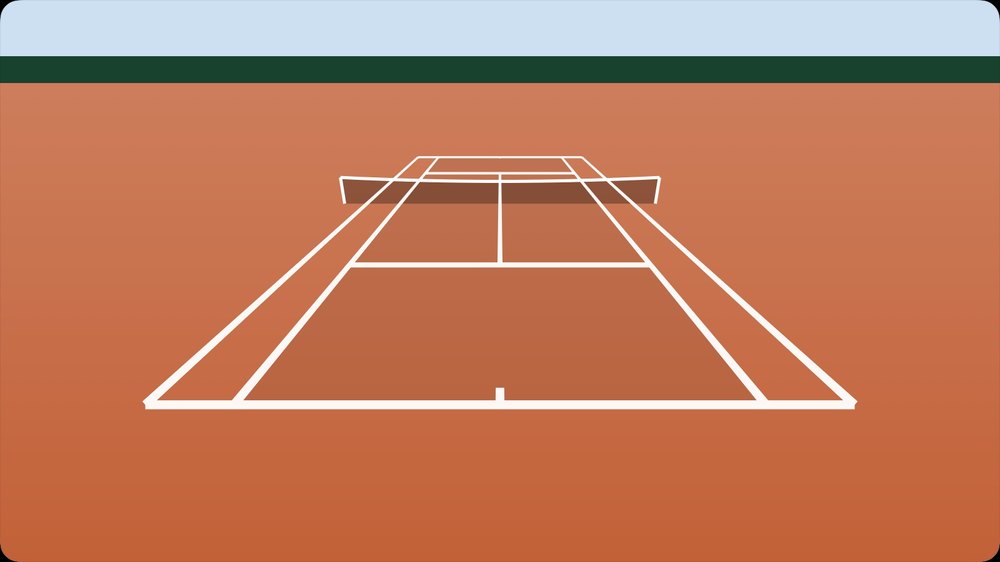
Then record or import.
Record at 60 fps right in the app or import a match you already filmed.
Everything about importing a video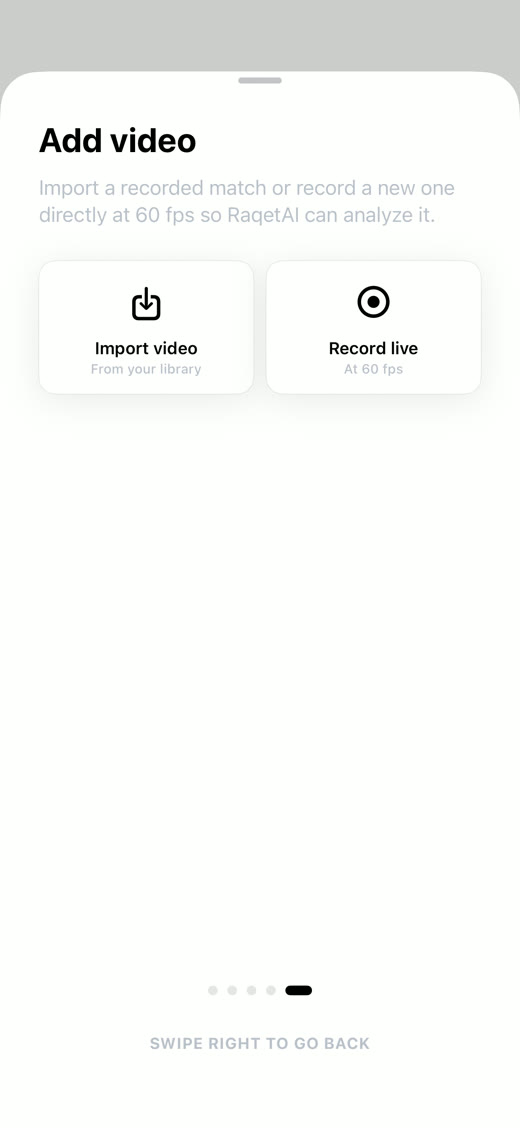
What else to keep in mind.
Light behind you
Don't film into the sun.
Set it up steady
Fix the camera firmly, ideally on a tripod.
Keep it still
Don't shake during the recording.
60 fps
Film at 60 frames per second.
High resolution
At least 1280 × 720, higher is better.
Do not disturb
Turn on Do Not Disturb before recording so no notification interrupts it.
Frequently asked questions
Yes. The automatic cut into rallies works just as reliably from that height. Only the ball marks get less precise, because the near player hides the ball more often. For full accuracy, hang your device on the fence at 2.5 m with a fence mount.
Easiest with a camera mount that hooks into the fence behind the baseline. Alternatively the stands, a terrace or a tall tripod behind the fence.
Yes, the setup is the same. When zooming, make sure the doubles lines are fully in frame on both sides, and pick Doubles in the app.
No. Detection is built for the view from behind the baseline, because only then are both players and all lines in frame at the same time.
Yes. In portrait the court does not fit in frame. You can still export your rallies in 9:16 for Reels and TikTok afterwards.

Camera's ready, now record.
Download Smash Field for free and analyze your first match today.