How to keep score on your watch.
Start on your watch.
Pick With camera or No camera, then the session type and scoring. If Smash Field is open on your device, the camera starts right away.
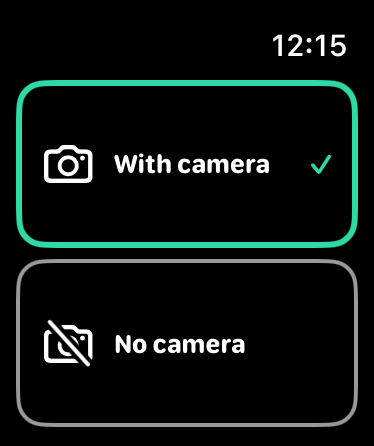
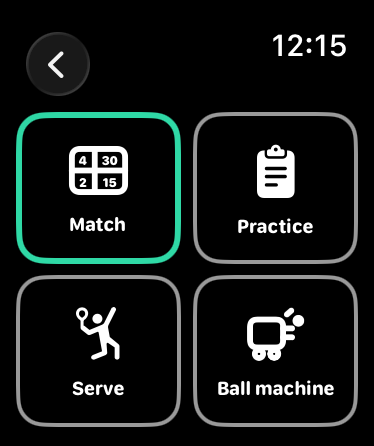
Check the picture on your wrist.
Your watch shows the camera view. Turn the crown to zoom until the whole court fits. Then start recording.
How to set up the camera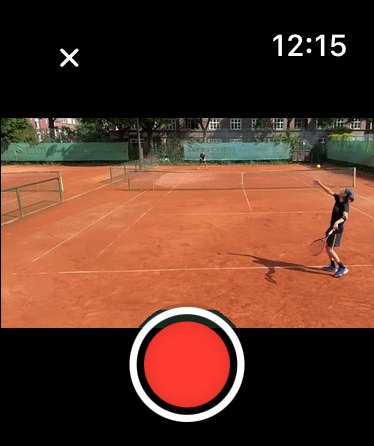
Count points without looking.
Swipe the scoreboard up for your point, down for your opponent's. The watch vibrates differently for each, so you can feel the point landed.
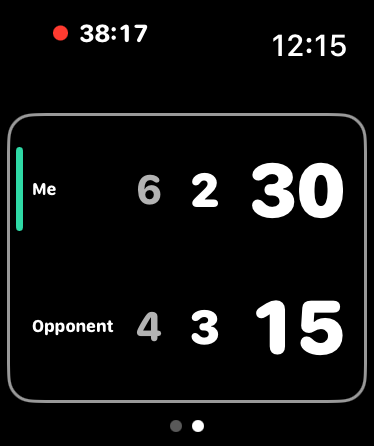

The score in the video.
After the match, Smash Field matches every point to its rally. The score runs along in the video, and your stats add up without filling anything in.
Good to know.
With or without camera
Without a camera, you only keep the score.
Three scoring modes
With advantage, no-ad or points only, for example for a match tiebreak.
No point gets lost
If your device is out of range, the watch sends the points later.
Undo a point
You take back the last point on the watch's controls page.
Workout in Apple Health
Your match is saved as a tennis workout in Apple Health.
watchOS 10 or later
The watch app runs on any Apple Watch with watchOS 10 or later.
Frequently asked questions
No, one device is enough. Without a watch, you count the points in the player after the match.
Any Apple Watch with watchOS 10 or later, so Series 4 and newer and every SE and Ultra. It has to be paired with your iPhone.
It comes with Smash Field. If automatic app install is on for your iPhone, it lands on your watch by itself. Otherwise open the Watch app on your iPhone and tap Install next to Smash Field.
No. Keeping score and the score in the video are free, with the watch too.
While you keep score, your watch runs a tennis workout. It saves the workout to Apple Health and uses heart rate and active calories for it. We don't send this data to our servers.
Try it at your next match.
Download Smash Field for free, the watch app is included.